

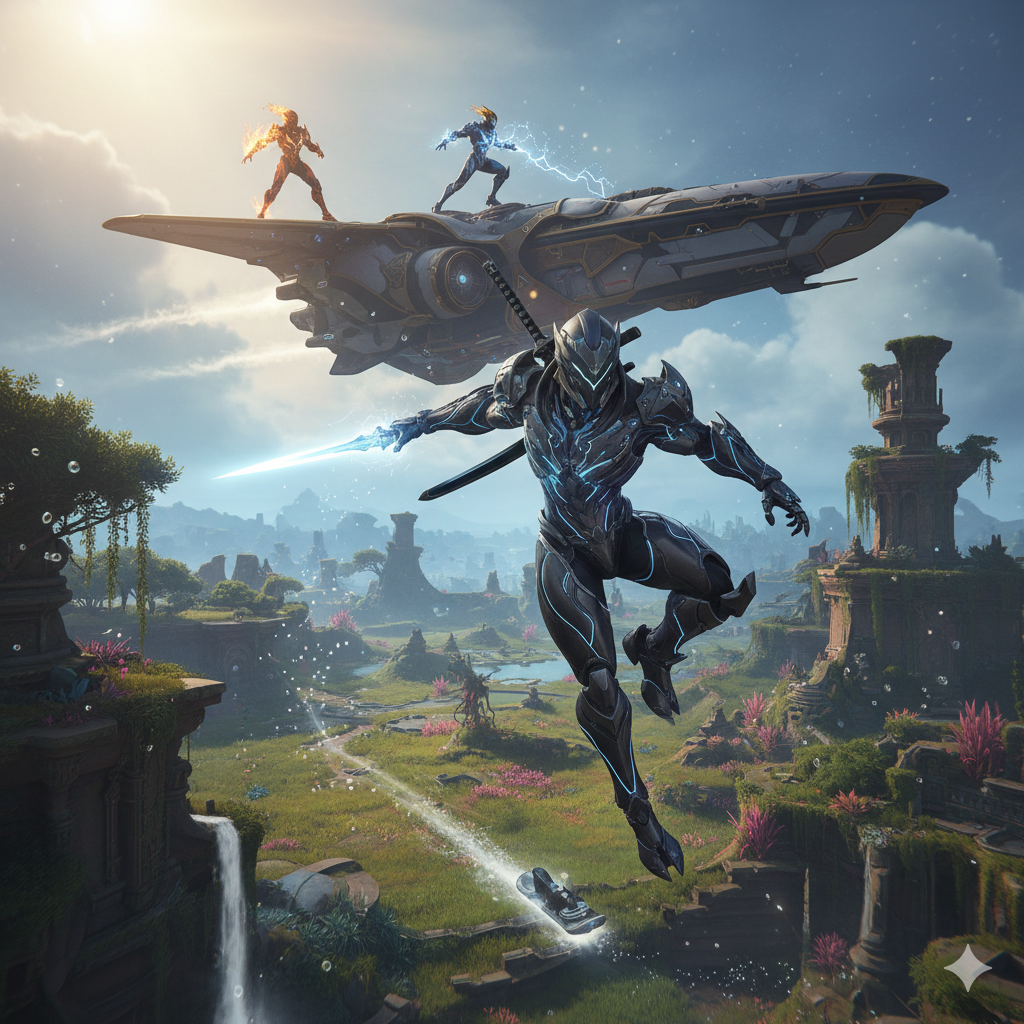
Warframe is a massive, free-to-play third-person “looter-shooter” where you play as a Tenno—an ancient warrior who pilots powerful, biomechanical combat suits called Warframes. Often described as “Space Ninjas,” the game is famous for its incredibly fast parkour and satisfying mix of gunplay and melee combat.
Few things are more frustrating for a Tenno than gearing up for a mission only to be stopped at the gates. The “Login Failed: Could Not Connect to Server” error is a common hurdle in Warframe, often leaving players stuck on the loading screen. While it looks like a massive server outage, the culprit is frequently much simpler—ranging from account naming conflicts to local network glitches.
If you are tired of staring at that error message, follow this comprehensive guide to get back into the Origin System. We have ranked these fixes from the most successful community-proven methods to standard technical troubleshooting.
🚀 The #1 Fix: Change Your Display Name
Believe it or not, the most common reason for this specific error—especially for new players—isn’t your internet; it’s your identity. If you choose a display name that is already in use by another player, Warframe’s authentication system can sometimes return a generic “Could Not Connect to Server” error instead of telling you the name is taken.
How to Fix It:
-
Be Unique: When prompted to “Pick a Display Name,” avoid common names or simple words.
-
Add Complexity: Use a combination of letters and numbers (e.g., instead of
Excalibur, tryExcal_Tenno_2026). -
Confirm and Send: Type the unique name into the box and click Send.
-
Finalize: Click OK and select your linked email account. In many cases, the game will immediately bypass the error and log you in.
📶 Troubleshooting Your Connection
If your name is unique but you’re still blocked, the issue likely lies in how your device is talking to the Warframe servers.
The “Flight Mode” Reset
Sometimes your device’s network stack just needs a quick refresh.
-
Close the game completely.
-
Turn on Flight Mode (Airplane Mode) on your device.
-
Wait for 10 seconds.
-
Turn Flight Mode off and allow your connection to re-establish before relaunching Warframe.
Switch Your Network (Wi-Fi vs. Mobile Data)
Many players have reported that their ISP (Internet Service Provider) or local Wi-Fi router settings temporarily block Warframe’s ports.
-
If on Wi-Fi: Turn it off and try logging in using your Mobile Data.
-
If on Mobile Data: Try connecting to a stable Wi-Fi network.
-
Switching the source of your internet often forces the game to find a new, clear path to the server.
🛠️ Advanced Technical Fixes
If the connection still won’t budge, it’s time to look under the hood of the app itself.
1. Clear the App Cache (Android)
Corrupted temporary files can prevent the game from verifying your login credentials.
-
Open your device Settings.
-
Navigate to Apps (or App Management).
-
Find Warframe in the list and tap it.
-
Select Storage.
-
Tap Clear Cache (Note: Do not tap “Clear Data” unless you want to re-download game assets).
2. Check for Updates
Warframe is an “always-online” game. If your version is even slightly out of date, the servers will reject your connection request.
-
Android: Go to the Google Play Store.
-
iOS: Go to the App Store.
-
Search for Warframe and check if there is an Update button. If there is, install it immediately. Keeping your game on the latest version is vital for server compatibility.
📝 Troubleshooting Summary Checklist
| Fix Type | Action | Why it works |
| Account | Use a Unique Display Name | Prevents naming conflicts in the database. |
| Network | Toggle Flight Mode | Refreshes your device’s IP and signal. |
| Network | Swap Wi-Fi/Mobile Data | Bypasses potential ISP port blocking. |
| System | Clear App Cache | Removes corrupted temporary login files. |
| Software | Update Game Version | Ensures compatibility with the current server. |
🚀 Key Features of the Game
The Warframes: There are now over 50 unique Warframes (like Excalibur, Mag, and Volt), each acting like a different “class” with four unique supernatural abilities. You can swap between them anytime to completely change your playstyle.
Hyper-Mobility: The movement system is one of the best in gaming. You can “bullet jump” through the air, wall-run, slide, and glide, making you feel like a high-speed assassin.
Endless Customization: Between thousands of mods, weapons (guns, bows, katanas, giant hammers), and cosmetic “FashionFrame” options, no two players look or play exactly alike.
Sprawling Content: It’s no longer just tight corridors in spaceships. You can explore massive Open Worlds, engage in Space Combat with your own spaceship (Railjack), and even ride hoverboards (K-Drives) or mechanical horses.
📱 Where Can You Play It?
Warframe is one of the most cross-platform games available. In early 2026, it finally achieved a major milestone with its mobile expansion:
Mobile: Available on iOS and newly released globally on Android (as of February 2026).
Consoles: PlayStation 5, PlayStation 4, Xbox Series X|S, Xbox One, and Nintendo Switch.
PC: Steam, Epic Games Store, and direct download.
Cross-Save/Play: You can start a mission on your PC and finish it on your phone or console with full progress synchronization.
💰 Is It Truly Free?
Yes. Unlike many “free” games, every single Warframe and weapon can be earned for free just by playing. The premium currency, Platinum, can even be earned by trading rare items you find with other players.
