

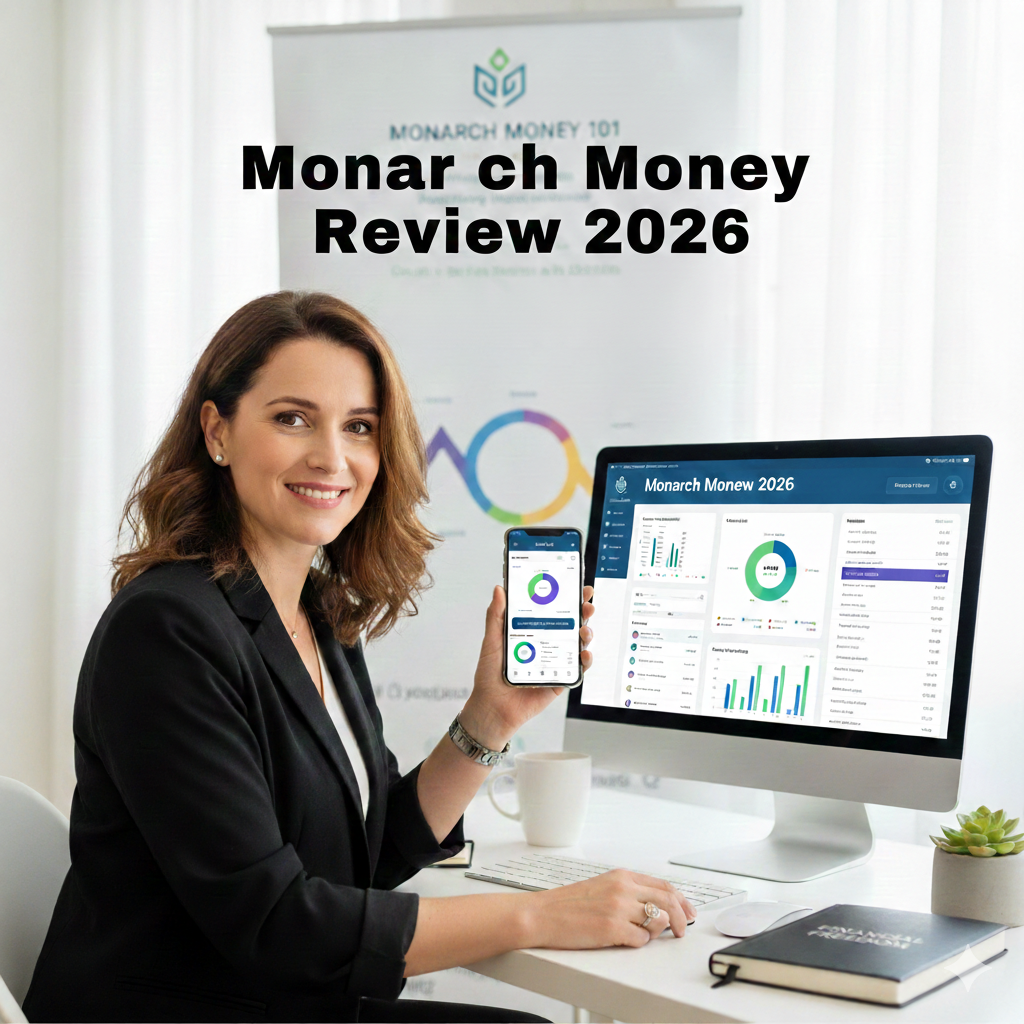
Monarch Money is the one app I get asked about more than any other. Since the great “Mint Migration,” it has evolved a ton, and as we move through 2026, many are wondering: Is it still the gold standard for budgeting?
1. A Dashboard That Actually Works for You
The first thing you’ll notice is the dashboard. Unlike other apps that force you into a specific layout, Monarch lets you completely customize your view.
One of my favorite 2026 updates is the device-specific customization. You can set up your desktop dashboard with deep-dive widgets for long-term tracking, while keeping your mobile dashboard simple for quick spending checks on the go. It’s all about seeing what matters to you.
2. Rock-Solid Account Linking
Monarch links to over 13,000 financial institutions across the US and Canada. They don’t just rely on one provider; they use a powerhouse trio of Plaid, Finicity, and MX.
-
Connectivity: You can actually see the “health” of a connection before you link it, ranked by popularity.
-
Reliability: In my experience (and with my coaching clients), linking issues are rare. If a bank does act up, having three different providers usually means there’s a workaround.
-
Manual Control: If you have a niche account that won’t link, you can easily import transactions via a CSV file.
3. Smarter Transaction Management
The transactions tab is where the magic happens. Monarch automatically categorizes your spending, and while it isn’t 100% perfect, it “learns” your habits over time.
Why the “Carrot” is Your Best Friend
When you click the small carrot icon next to a transaction, a world of detail opens up. You can:
-
Add Attachments: Upload receipts directly to the transaction.
-
Collaborate: Send a specific charge to your spouse or budgeting partner for them to review.
-
Tagging: I use this for reimbursements. For example, if I buy a $330 Airbnb stay for work, I tag it “Reimbursable” so I know that money is coming back.
Custom Rules
If you’re a control freak (like me!), you’ll love the custom rules. You can create complex “If/Then” logic. For example: “If the merchant is Amazon and the amount is under $20, categorize as Household Supplies.”
4. Visualizing Your Cash Flow
If you’re a visual learner, Monarch’s Cash Flow and Reports tabs are a dream.
-
The Sankey Diagram: It visually shows money flowing from income into various spending “buckets.”
-
Deep Dives: You can toggle between pie charts and bar charts. If you see a spike in “Dining Out,” just click the chart to see every single transaction that caused it.
-
Summaries: It automatically highlights your largest and average transactions for the month, giving you instant perspective.
5. The “Reoccurring” Tab: Subscriptions, Simplified
Monarch automatically identifies your bills and subscriptions.
-
List or Calendar View: See your upcoming expenses on a clean calendar so you’re never surprised by a renewal.
-
Smart Detection: If it finds a new reoccurring charge, it asks you to review it. You can confirm it, edit the expected date/amount, or tell the app, “Nope, that was a one-time thing.”
6. The 2026 Budgeting Experience
Monarch uses a monthly budgeting framework. It shows you exactly how much you have “left to budget” based on your expected income.
-
Zero-Based Budgeting: It’s easy to move leftover money into savings or debt payoff goals.
-
Historical Data: When setting a budget, Monarch shows you your last six months of spending in that category. This is huge for beginners who don’t know where to start.
-
Green vs. Red: The visual bars make it obvious: Green means you’re on track; Red means it’s time to cut back.
The Biggest Cons: Is There a Catch?
Nothing is perfect, and Monarch has two main hurdles:
-
The Learning Curve: Because it has so many features, it can be overwhelming at first. My advice? Start small. Don’t link your 401k and house value on day one—just focus on your spending.
-
Monthly-Only Focus: For those who prefer to budget “per paycheck,” the monthly-only view can be a bit of a transition.
Pricing & My 50% Off Hack
There is no free version of Monarch, but they do offer a 7-day free trial.
Choosing between Category and Flex budgeting in Monarch depends entirely on your personality and how much time you want to spend looking at numbers.
As of 2026, Monarch has leaned heavily into Flex Budgeting as their default because it mirrors how most people actually live—spending more on groceries one week and more on dining out the next.
Here is how to decide which one fits your brain:
1. Flex Budgeting (The “One-Number” Method)
Flex budgeting groups your finances into three main buckets: Fixed, Non-monthly, and Flexible. Instead of worrying if you spent exactly $50 on “Coffee,” you focus on your total “Flex Number” for the month.
-
Best for: People who get “budget fatigue” or feel restricted by rigid categories.
-
The Big Advantage: It reduces decision fatigue. If you overspend on clothes but underspend on gas, you’re still “on track” as long as your total Flex bucket is green.
How it feels: You check the app, see you have $400 left in your Flex bucket for the week, and decide if you can afford that nice dinner.
2. Category Budgeting (The “Traditional” Method)
This is the classic approach where every single category (Groceries, Rent, Subscriptions, Pet Supplies) has its own specific limit.
-
Best for: Data lovers, people trying to break specific bad habits, or those on a very tight budget where every dollar is spoken for.
-
The Big Advantage: Extreme clarity. If you want to know exactly why you’re broke at the end of the month, Category budgeting will point the finger at the specific culprit.
-
How it feels: It’s more administrative. You’ll spend more time “moving money” between categories to keep them from turning red.
Quick Comparison Table
My Recommendation
If you’re just starting with Monarch in 2026, start with Flex Budgeting. Most people find it much more sustainable long-term because it doesn’t punish you for small variations in your spending habits. You can always “drill down” and add a specific budget to a single category (like “Dining Out”) within the Flex bucket if you find you’re consistently overspending there. It gives you the best of both worlds!
💡 Monarch Money: Flex Budgeting FAQs
1. General Setup & Transition
Q: I’m coming from YNAB and I’m struggling with the “strictness” difference. Does Monarch handle transfers and credit cards the same way? A: Monarch is less strict than YNAB. In Monarch, transfers between accounts (like paying a credit card or moving money to savings) generally have no effect on your budget. While YNAB forces you to account for every dollar’s location, Monarch focuses on the transaction itself. If you want a “paired” feel, ensure both sides of a transfer are categorized as “Transfer” so they cancel each other out.
Q: Is Monarch better on Desktop or Mobile? A: Both are highly rated, but users with complex budgets (or those with ADHD looking for better visibility) often find the Desktop version superior for initial setup and deep-dive reviews.
2. Mastering the “Flex” Mechanics
Q: Why are some of my flexible categories hidden in my budget view? A: Monarch automatically hides categories in the Flexible section if they have no budgeted amount and no actual spending yet. As you spend throughout the month, those categories will automatically reappear.
Q: On the Mobile App, I can’t see my “Actual Spent” for flexible categories. How do I find it? A: There is a hidden trick! Long-press on any value in the “Remaining” column. This will toggle the view between “Remaining” and “Actual” spending for all categories.
Q: Can I have just “One Number” to track my spending? A: Yes! If you only care about one big spending limit (e.g., $5,000/month), you can set your “Flexible Budget” to that total amount and put zero in the individual categories under it. You’ll see one progress bar for your total spending while still being able to see where the money went in your Reports.
3. Handling Irregular & Large Expenses
Q: How do I handle expenses that only happen a few times a year (like Tuition)? A: Create a dedicated category (e.g., “Tuition”). When those large payments hit, your expenses will spike for that month—and that’s okay! As long as the data is accurate, let it reflect the reality of your cash flow. You can use the “Non-monthly” section in Flex Budgeting to set these up with specific due dates.
Q: Should I hide large one-time purchases (like a wedding or home renovation) so they don’t ruin my “Savings Rate”? A: No. Hiding them makes your data inaccurate. If you spend $5,000 on a vacation, your savings actually decreased by that amount. Instead of hiding the transaction, use Filters in the “Reports” section to view your “Normal” spending excluding those one-off categories.
Q: What is the best way to handle “Sinking Funds” for things like Auto Maintenance? A: Set up the category and turn on Rollovers. While the money “sits” in your checking account in the app, you may choose to physically move that cash to a savings account to prevent accidental spending. Monarch will keep track of the “budgeted” total regardless of which account the cash is in.
4. Advanced Budget Logic
Q: My bill (like Electric) varies every month. Does it still go in the “Fixed” section? A: Yes. Even if the amount fluctuates, if it’s a recurring commitment you must pay, it belongs in Fixed. You can budget an “average” amount and let the small variances balance out over the year.
Q: Can I set rollovers for both the total Flex Group AND individual categories? A: It is generally recommended to turn on the Rollover for the Flex Group as a whole rather than the individual categories under it. This allows the group to act as a “safety net” that carries over to next month.
Q: Every time I change a budget amount, it changes all my future months! How do I stop this? A: On the Desktop version, go to Budget Settings (top right). There is a toggle to choose whether changes should apply to “All future months” or “Just this month” by default.
