

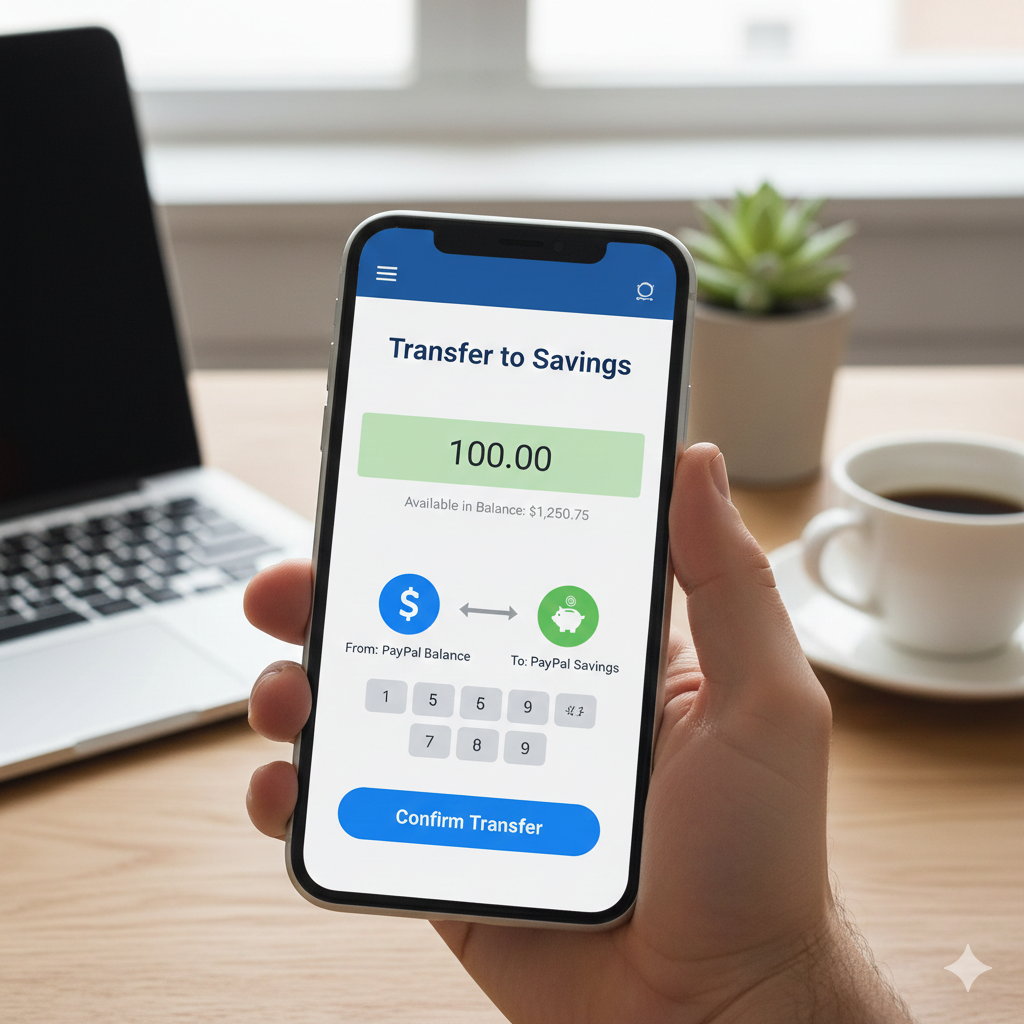
Managing your money efficiently inside PayPal is no longer limited to sending and receiving payments. With the introduction of PayPal Savings, users can now earn interest on their idle funds directly within their PayPal account.
In this detailed 2026 guide, you will learn:
-
How to transfer money from PayPal Balance to PayPal Savings
-
How to transfer money back from Savings to Balance
-
The minimum amount required to invest in PayPal Savings
-
How to cancel PayPal automatic savings
-
How much you can earn if you invest $1,000
-
Important considerations before using PayPal Savings
This article is written in a professional and academic tone to provide clarity and accuracy for users who want to maximize their PayPal funds responsibly.
What Is PayPal Savings?
PayPal offers a high-yield savings feature known as PayPal Savings, available to eligible U.S. users. The savings account is provided in partnership with regulated financial institutions and allows users to earn interest (APY – Annual Percentage Yield) on their balance.
Unlike traditional banks, PayPal Savings is fully integrated into your PayPal dashboard, making transfers between your PayPal Balance and Savings seamless.
How to Transfer Money from PayPal Balance to PayPal Savings
You can transfer funds using either desktop or mobile. Below is the step-by-step desktop method.
Step 1: Log Into Your PayPal Account
Visit the official PayPal website and log into your account.
Step 2: Navigate to the Finance Tab
At the top menu:
-
Click on “Finance”
-
Alternatively, click “More” and select PayPal Savings
Step 3: Select the Savings Tab
Once inside the Finance section:
-
You may see Cryptocurrency by default.
-
Click on the Savings tab.
Here you will see:
-
Your current savings balance
-
The current APY (Annual Percentage Yield)
-
Transfer options
Step 4: Click “Transfer”
Inside the Savings dashboard:
-
Click the Transfer button.
-
Choose From: PayPal Balance
-
Choose To: PayPal Savings
Step 5: Enter the Amount
Input the amount you want to transfer (for example, $100 or $1,000).
Step 6: Review and Confirm
-
Click Review
-
Confirm all details
-
Click Transfer
The funds will immediately move from your PayPal Balance into your PayPal Savings account.
How to Transfer Money from PayPal Savings Back to PayPal Balance
If you need to withdraw funds:
-
Go to Finance
-
Click Savings
-
Select Transfer
-
Choose:
-
From: Savings
-
To: PayPal Balance
-
-
Enter the amount
-
Review and confirm
Funds typically transfer instantly back to your PayPal Balance. From there, you can withdraw to your bank account.
Minimum Money to Invest in PayPal Savings
One of the advantages of PayPal Savings is accessibility.
As of recent updates:
-
There is no strict high minimum deposit requirement
-
You can start with as little as $1
This makes it attractive for beginners or individuals who want to test the platform before committing larger sums.
However, earning meaningful returns requires a larger balance due to the nature of interest compounding.
How Much Can You Earn If You Invest $1,000 in PayPal Savings?
Earnings depend on the current APY (Annual Percentage Yield).
Let us assume an example APY of 4.30% (Note: APY changes periodically).
Formula:
Interest = Principal × APY
If you invest:
$1,000 × 4.30% = $43 per year (approximately)
Breakdown:
-
Annual earnings: ~$43
-
Monthly average earnings: ~$3.58
-
Daily average earnings: ~$0.12
If interest compounds monthly, your earnings could be slightly higher than $43 over a full year.
Important Considerations:
-
APY is variable and can change.
-
Earnings are taxable in many jurisdictions.
-
Returns are modest compared to stocks or mutual funds but come with lower risk.
How to Cancel PayPal Automatic Savings
PayPal allows users to set up automatic transfers into Savings. If you previously enabled automatic deposits, you may cancel them as follows:
Step 1: Go to Finance
Log into your PayPal account and navigate to the Finance section.
Step 2: Select Savings
Click on the Savings dashboard.
Step 3: Locate Automatic Transfers
Find the Recurring or Automatic Transfers section.
Step 4: Manage or Cancel
-
Click Manage
-
Select the automatic transfer schedule
-
Choose Cancel or Turn Off
Confirm the cancellation.
Once disabled, no future automatic transfers will occur.
Advantages of Using PayPal Savings
1. Convenience
Funds move instantly between Balance and Savings.
2. Competitive APY
PayPal Savings has historically offered higher APY than many traditional banks.
3. No Monthly Fees
There are typically no maintenance fees.
4. Low Entry Barrier
You can start with as little as $1.
5. Liquidity
Unlike fixed deposits, funds are accessible without penalties.
Limitations and Risks
While PayPal Savings is relatively safe, consider the following:
1. Variable Interest Rates
APY can decrease depending on market conditions.
2. Limited Availability
PayPal Savings is primarily available to U.S. users.
3. Not a High-Growth Investment
Compared to stocks, ETFs, or bonds, returns are modest.
4. Inflation Risk
If inflation exceeds APY, your real purchasing power declines.
Is PayPal Savings Worth It?
PayPal Savings is ideal for:
-
Emergency funds
-
Short-term savings
-
Holding idle PayPal balance
-
Low-risk conservative savers
It is not ideal for:
-
Long-term aggressive growth
-
Wealth accumulation beyond inflation
-
Diversified investment strategies
For higher returns, investors often consider:
-
Stock market investments
-
Government bonds
-
Mutual funds
-
ETFs
However, those come with higher risk compared to savings products.
Frequently Asked Questions
Can I lose money in PayPal Savings?
Savings accounts are typically low-risk, but always verify FDIC insurance coverage and terms applicable to your account.
Is there a withdrawal fee?
Generally, there are no withdrawal penalties when transferring back to PayPal Balance.
How often is interest paid?
Interest is typically calculated daily and paid monthly.
Strategic Use of PayPal Savings
For financially disciplined users, PayPal Savings can serve as:
-
A digital emergency fund
-
A temporary holding account before investment
-
A place to earn passive interest on online earnings
If you frequently receive payments via PayPal (freelancing, online business, affiliate marketing), transferring idle funds into Savings instead of leaving them inactive in your Balance is financially prudent.
Understanding how to transfer money between PayPal Balance and PayPal Savings is essential for optimizing your financial management within the PayPal ecosystem.
The process is straightforward:
-
Navigate to Finance
-
Select Savings
-
Click Transfer
-
Choose source and destination
-
Confirm
With a minimum deposit as low as $1, PayPal Savings offers accessibility and liquidity. Investing $1,000 at a 4.30% APY can generate approximately $43 annually — modest but stable earnings.
While PayPal Savings is not a substitute for long-term investment portfolios, it remains a practical, low-risk solution for short-term savings and idle balance management.
Before investing, always review current APY rates, eligibility requirements, and terms directly within your PayPal account.
