

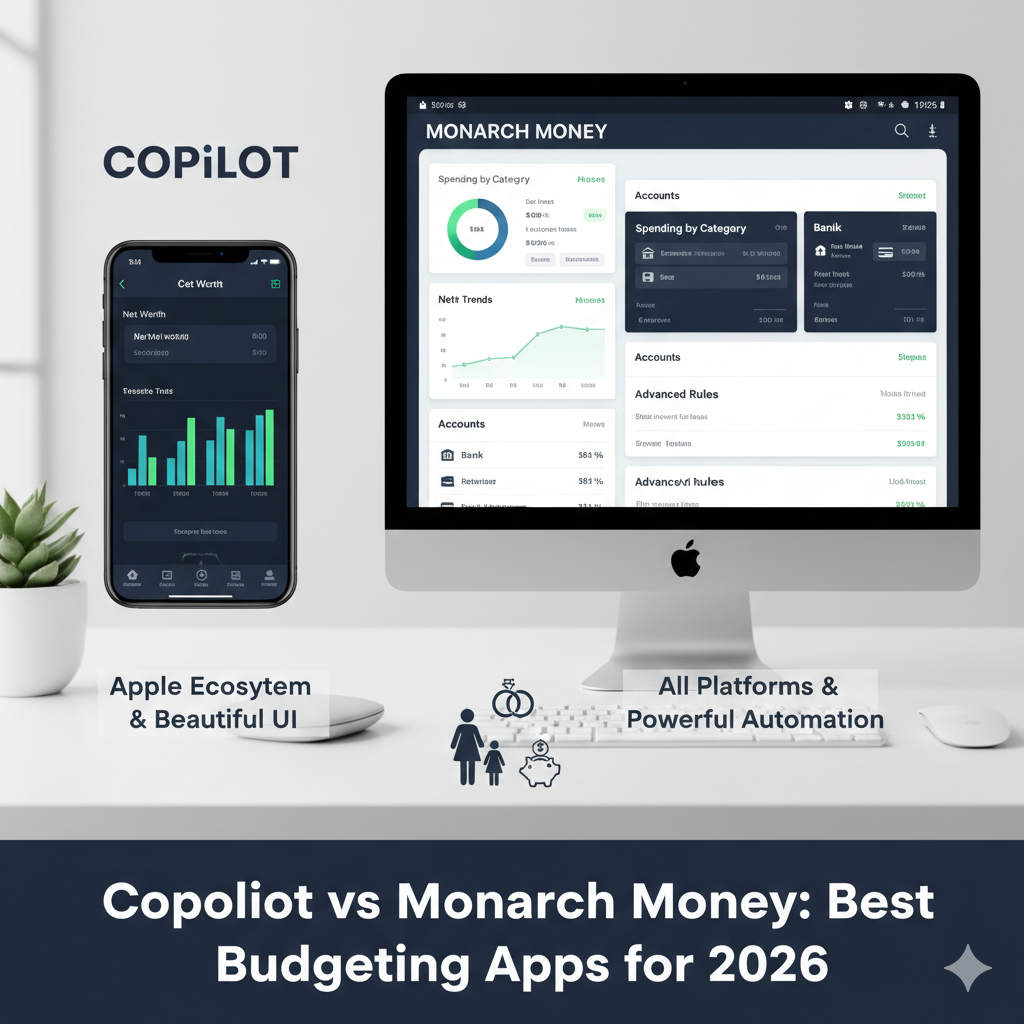
In the search for the perfect financial tool, two names consistently rise to the top: Copilot and Monarch Money. If you’re trying to move beyond basic spreadsheets and get a real handle on your wealth, you’ve likely encountered both.
I look at these apps through a specific lens: the “Complexity Lens.” I work with couples budgeting together, business owners with fluctuating income, and families juggling rental properties. When your financial life isn’t “simple,” you need an app that can keep up.
Today, we’re breaking down this heavyweight match into three rounds:
-
Setup & Usability
-
Transactions & Budgeting Features
-
Reporting & Goals
1: Setup, Usability, and The Dashboard
The first thing you notice about both apps is that they are gorgeous. Gone are the days of clunky, gray banking interfaces.
Copilot: The Apple Enthusiast’s Dream
Copilot is, first and foremost, an Apple-only product. If you are a Mac, iPhone, and iPad power user, you will feel right at home. The aesthetics are slick, clean, and data-heavy without feeling cluttered.
-
The “Native” Speed: Because it’s built specifically for Apple hardware, the UI is often rated a perfect 10/10 for smoothness.
-
The Catch: There is no shared access. If you’re a couple, you’ll have to share a single login. Additionally, it can be a bit more institution-limited compared to Monarch, sometimes leading to annoying disconnections that require a refresh to see missing data.
-
Venmo: It uses a unique email-forwarding system for Venmo that can feel a bit “hacky” compared to direct syncing.
Monarch Money: The Customizable Command Center
Monarch is the “all-access” pass of budgeting. It works on iOS, Android, and has a robust web browser version for those who prefer a big screen.
-
Visibility Control: One of my favorite “hidden” features in Monarch is the ability to “hide” accounts. If you’re managing your own budget but have visibility into a parent’s or child’s account, you can hide theirs so their balances don’t skew your personal family budget.
-
Couples’ Win: Monarch allows shared access. You can invite your partner (or even your financial coach!) to have their own separate login. For joint spenders, it even tracks which specific debit card was used, providing clear “spender visibility” for shared accounts.
2: Transactions and Budgeting Logic
The Copilot Edge: Recurring Intelligence
Copilot’s Recurring section is arguably superior. It does a fantastic job of identifying subscriptions and bills.
-
The “Shadow” Budget: When Copilot knows a bill is coming up (like a Netflix sub), it “shadows” that amount in your budget before it even hits.
-
Flexible Cycles: While most apps are stuck in a 30-day loop, Copilot allows for Quarterly and Semiannual budgeting, which is perfect for those big insurance premiums or tax payments.
-
Importing Limitations: While you can import transactions (like Apple Card data), note that Copilot currently does not support importing historical investment balances.
The Monarch Edge: Automation and Rules
If you have a high volume of transactions, Monarch is the king of Automation.
-
Detailed Rules: You can create incredibly specific rules (e.g., “If the merchant is Shell AND the amount is under $10, categorize as Snacks”).
-
Income Tracking: Unlike Copilot—which lumps all income into one pot—Monarch lets you categorize income. For freelancers or those with rental properties, being able to track where your money is coming from is a game-changer.
3: Reporting and Long-Term Goals
Copilot: Beautiful but Minimal
Copilot gives you great monthly summaries and investment “movers.” However, a major gripe for power users is the lack of robust tags. In Copilot, tags are mostly for searching; you can’t run a detailed report to see, for example, exactly how much you spent on a specific vacation.
Monarch: The Data Nerd’s Paradise
Monarch’s reporting is the gold standard.
-
Investment Tab: While hidden by default in the mobile menu, you can move the Investments tab into your “Quick Five” bottom navigation for easy access.
-
Tagging & Roadmap: Monarch’s tagging system allows for deep-dive reporting on things like tax-deductible expenses. Plus, the company is famously transparent with their product roadmap, so you always know what features are coming next.
Which is Best for You?:
Choose Copilot If…
-
You are a solo user who strictly uses Apple products and wants a 10/10 UI.
-
You need non-monthly budgeting (Quarterly/Semiannual).
-
You value a “set it and forget it” recurring bill tracker that syncs with your Amazon account.
Choose Monarch Money If…
-
You are a couple who wants separate logins and spender visibility.
-
You need to hide specific accounts from your main budget workflow.
-
You prefer a web-based platform for deep weekly reviews and require robust, tag-based reporting.
